Receipts
Stay on top of all your projects
Plot.
Track.
Deliver.
Stay on top of all your projects.
Stay on top of all your projects.
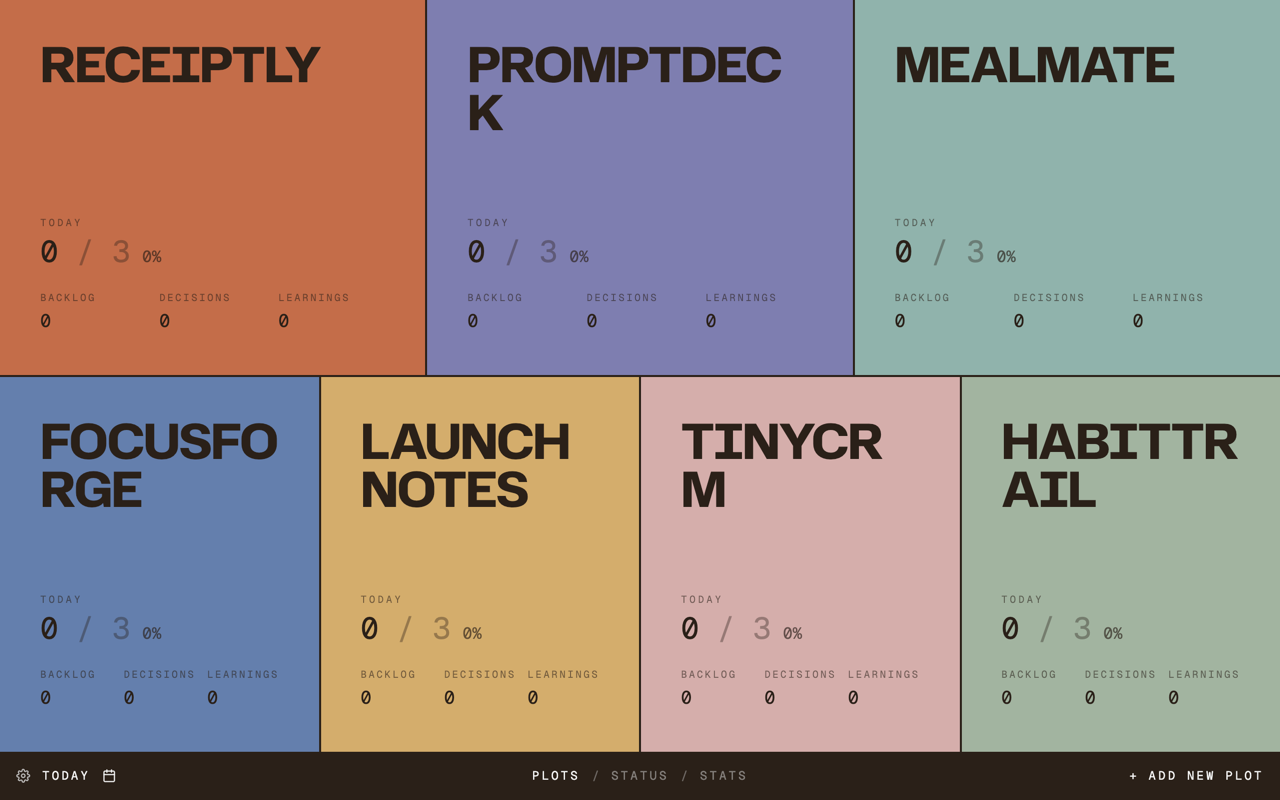
Plot replaces the blank Chrome new tab with a live project map. Each project gets its own colored piece of ground, so neglected work is visible before it disappears.
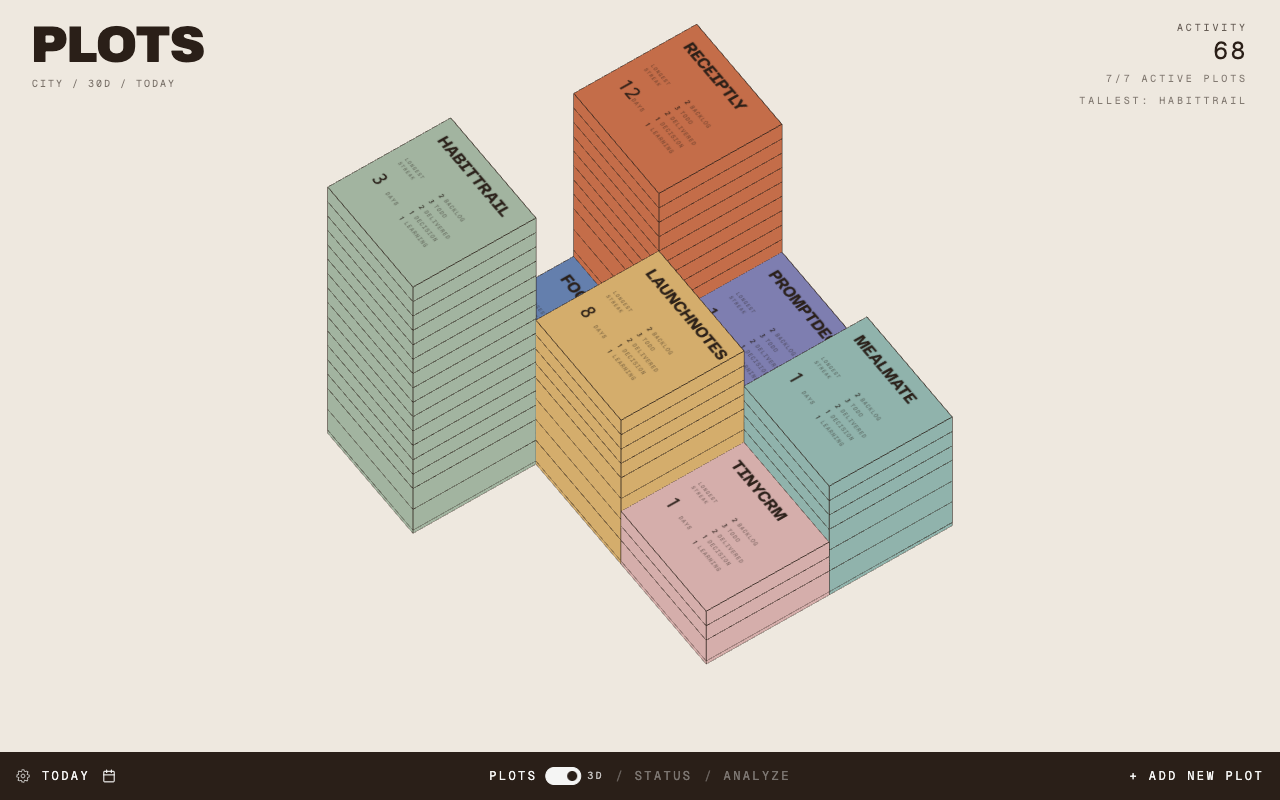
Watch activity grow into a city.
Switch your project map into a 3D skyline where each plot rises from the activity you create. Rotate, zoom, and see which projects are quietly becoming towers.
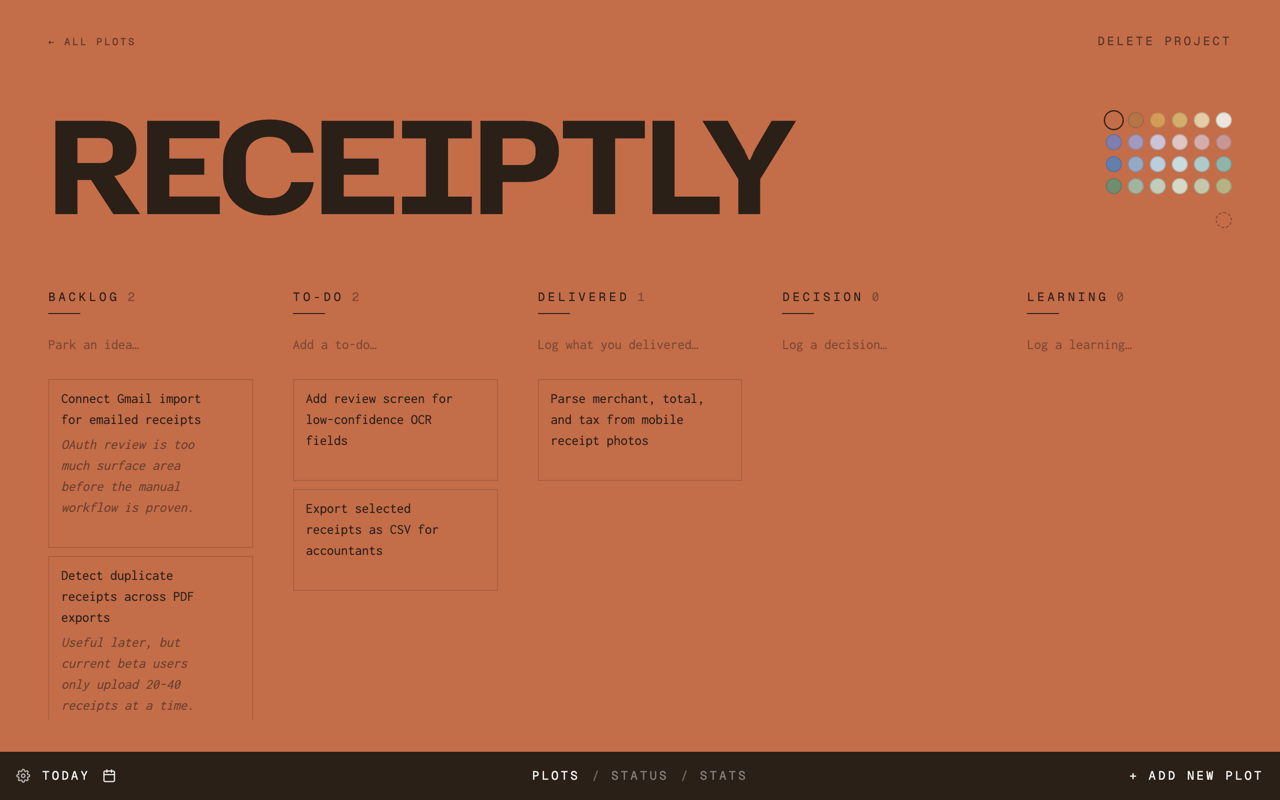
Track tickets for each project.
Open a project to work through its real contents: tasks, shipped deliverables, decisions, learnings, and the notes that keep the project moving.
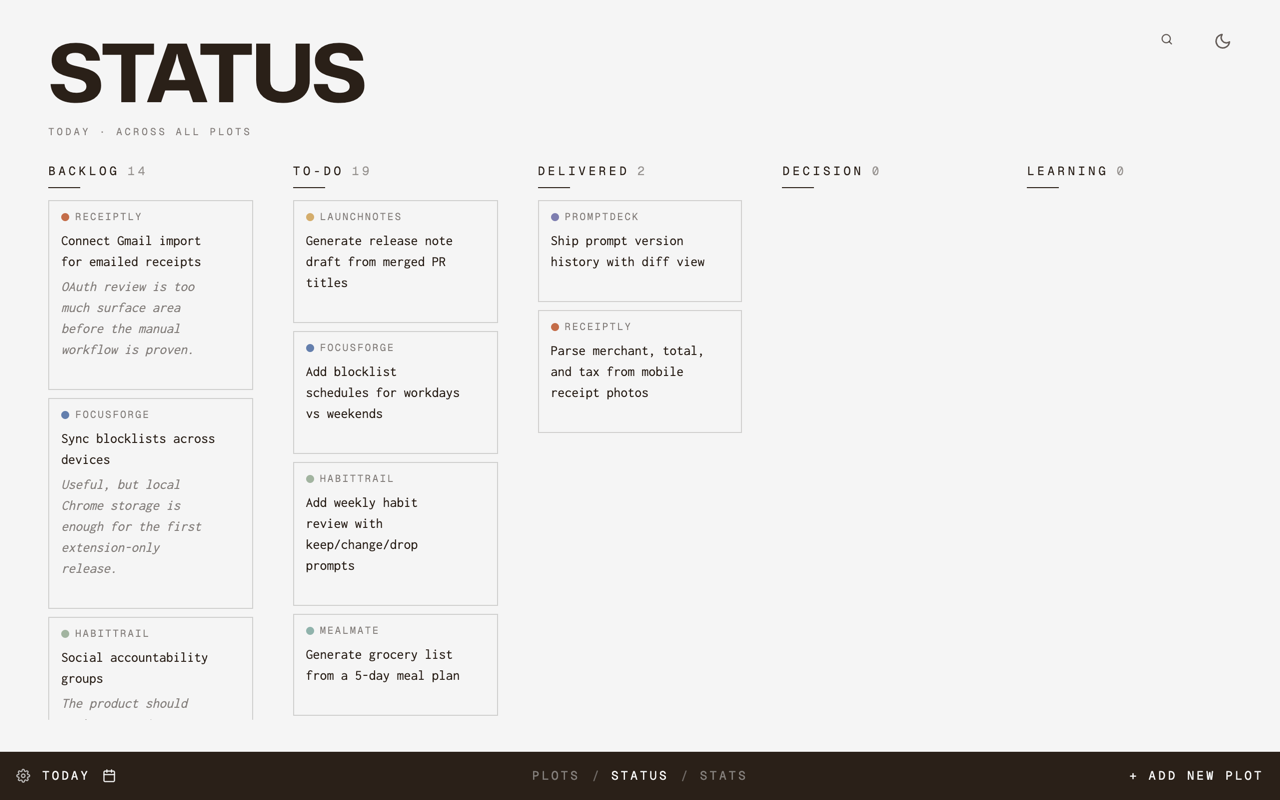
Get an overview of all your tickets.
Track Backlog, To-do, and Delivered without turning your personal projects into a heavy project management ritual.
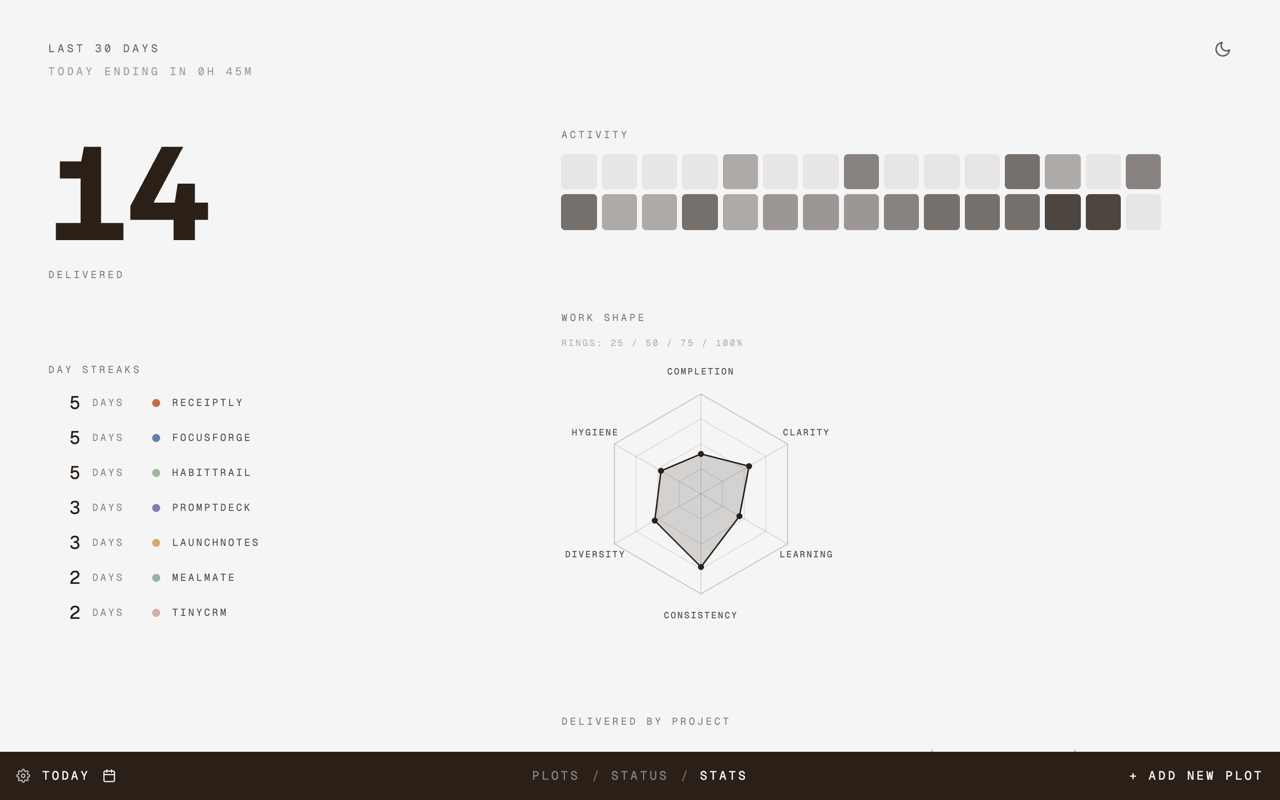
Visualize your progress and growth.
Lightweight analytics show delivery, streaks, activity, and work shape across projects without turning progress into surveillance.
Your one-acre field for self-directed work.
Plot is for people growing several things at once: vibe-coded apps, writing, study, experiments, client ideas, and tiny tools that may or may not become real products.
The point is not to capture every possible task. The point is to open a new tab and know what deserves attention today.
When something ships, Plot asks what actually got delivered. Over time, your new tab becomes a quiet record of movement.
FAQ
FAQ
What does Plot replace?
Plot replaces the Chrome new tab page. Opening a new tab shows your project workspace instead of a blank page or default start screen.
Where is my data stored?
Your projects, tasks, decisions, learnings, layout, and preferences are stored in Chrome extension storage. Plot also keeps a recovery snapshot when Chrome sync is available.
Does Plot require an account?
No. Plot is local-first and does not require a cloud account for the current version.
Can I back up my projects?
Yes. Plot supports optional local backup to a folder you choose on your own device, including workspace data and Plot Pro recovery data.
How do I move data from a test install to the Web Store version?
- Do not uninstall the old test install yet.
- Open the old Plot install. If the Web Store version has taken over your new tab, open
chrome://extensions, copy the old extension ID, and visitchrome-extension://OLD_EXTENSION_ID/index.html. - In the old install, use the backup control to choose a folder. Plot will write a
plot-backup.jsonfile there. - Open the Web Store version while it is still empty and choose the same backup folder. Plot restores the backup automatically.
- After your projects appear in the Web Store version, you can remove the old test install.
Who is Plot for?
Indie builders, vibe coders, creators, students, researchers, and anyone tending multiple personal projects.